

The PICO-8 is a fantasy console by Lexaloffle that you can get from the official PICO-8 website. “Fantasy Console” means that it’s emulating the look and feel of a game console that does not exist as real hardware (though it can be run on some handheld consoles like the “Miyoo Mini Plus”).
The PICO-8 specs:
Display: 128 x 128 pixels resolution with 16 colors.
Input: 6-Button controllers (or 6 keyboard keys).
CPU: 8 MHz / 4 M LUA vm insts/sec
Sprites: 256 8 x 8 Sprites
Map: 128 x 32 Tilemap
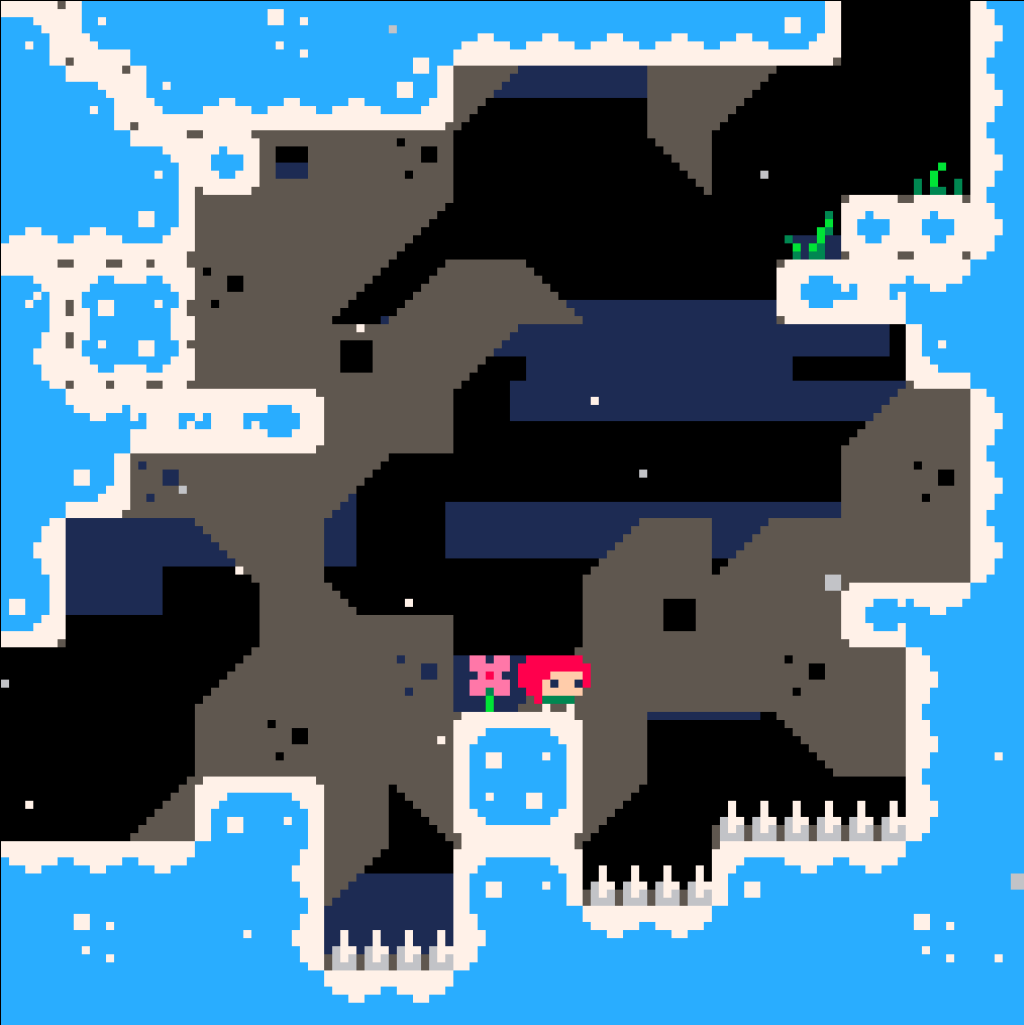
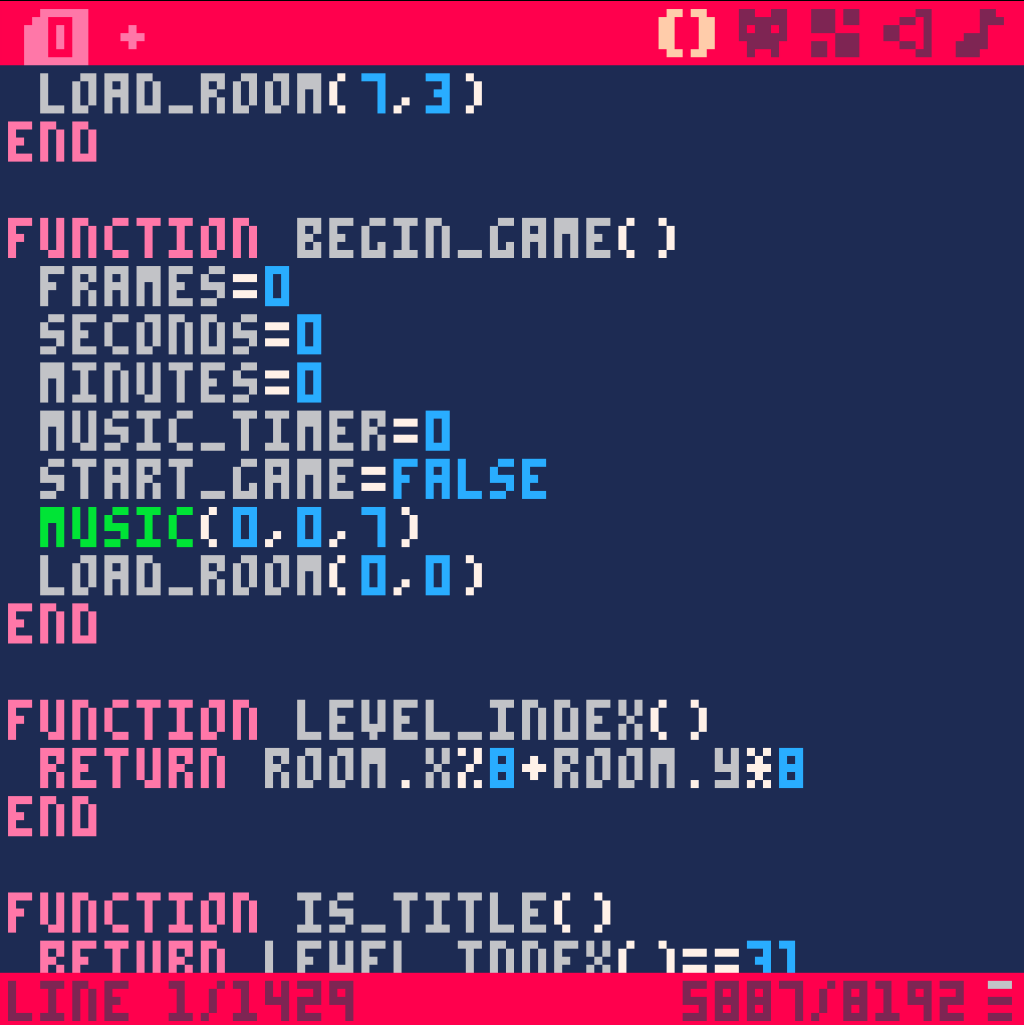
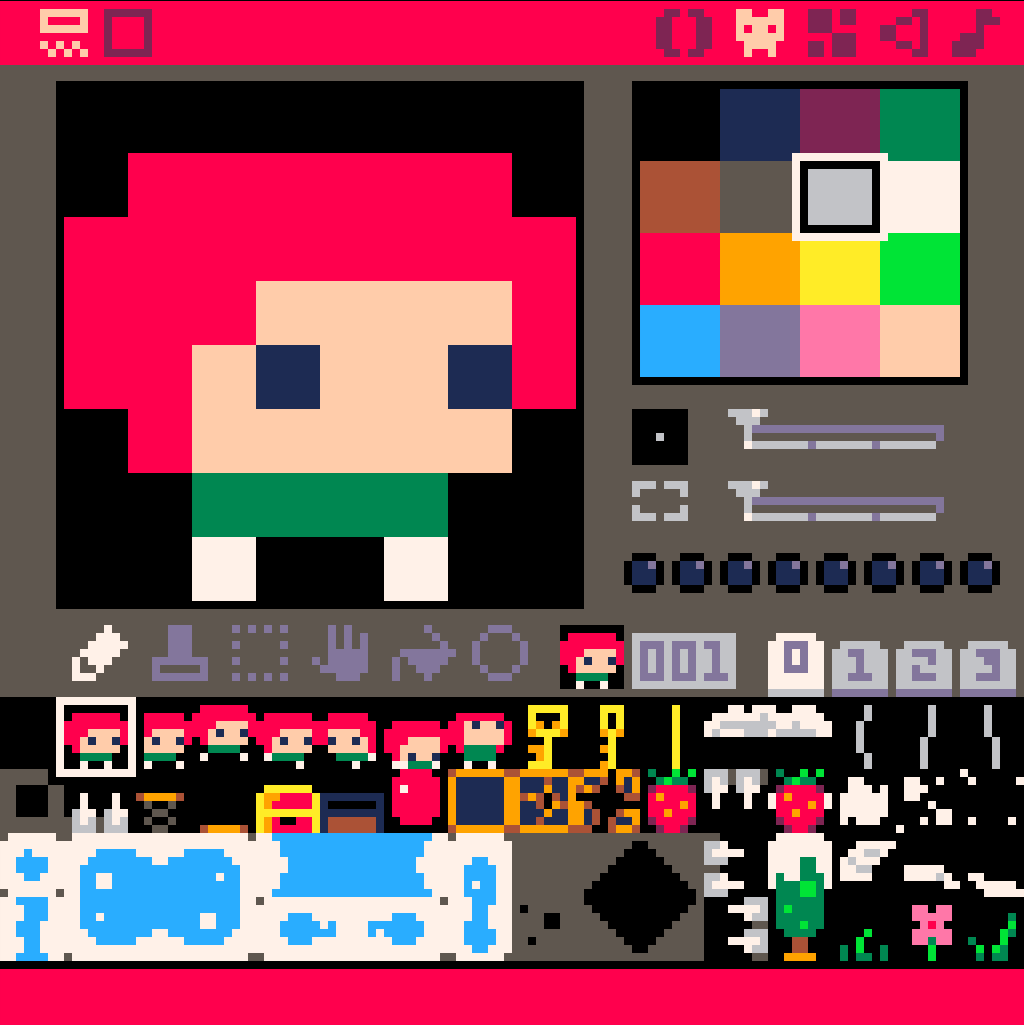
There is thousands of free games for the PICO-8, all made by the community. With the built-in game explorer called “Splore” you can browse and play all the games that have been uploaded to the official Lexaloffle bulletin board system (BBS). You can even develop your own games directly inside of the PICO-8 as it comes with a code-editor, a sprite-editor, a map-editor as well as a music- and sound-editor.
Even if you don’t have prior programming experience, making games in PICO-8 is fairly easy because it uses a subset of LUA as the scripting language. LUA is a super simple scripting language that is not difficult to learn. It has a very minimal syntax and only a small number of keywords. It is also garbage-collected so you don’t have to worry about memory management.
It is important to note that the PICO-8 is not your typical game engine. When you develop a PICO-8 game, you have to consider the specs and limitations of the fantasy console. This might seem daunting at first but the limitations are a real blessing. Having only limited space for sprites and a display resolution of 128 x 128 pixels means, that you have to keep your game’s graphics really simple. A PICO-8 cartridge (meaning a PICO-8 game) can only contain 8192 LUA tokens, which means that your code size is also limited. All these limitations keep you from overscoping your game.
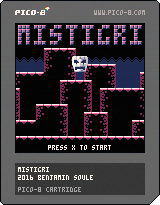
When you are finished making your game, you can export it as a PICO-8 cartridge, which is a .PNG image file that contains all the data of your game. This cartridge can then be shared and loaded into the PICO-8. You can also export your game as a HTML5 webgame. So in order to play your game, people don’t necessarily need to buy the PICO-8 system. You can also export standalone Windows, Linux and MacOS binaries.
Here is an example of a PICO-8 cartridge. This cartridge is for the game “Mistigri” by “benjamin_soule”, one of my favorite PICO-8 games:
If you want to learn more about the PICO-8 you can read more of my tutorials. If you don’t want to miss any of my future video-tutorials on PICO-8, dont forget to subscribe to my YouTube channel: Sormdev YouTube Channel
Go to the next tutorial: “Your first steps with the PICO-8″…
or
Go back to the tutorial index…
 Sormdev