
Let’s get started with the PICO-8. On this page you will learn the absolute basics on how to use the PICO-8’s terminal, the “Splore” game explorer and you will also learn how to navigate through the development tools. If you have just downloaded PICO-8 and need some guidance on your first steps, then you have come to the right place.
The Terminal
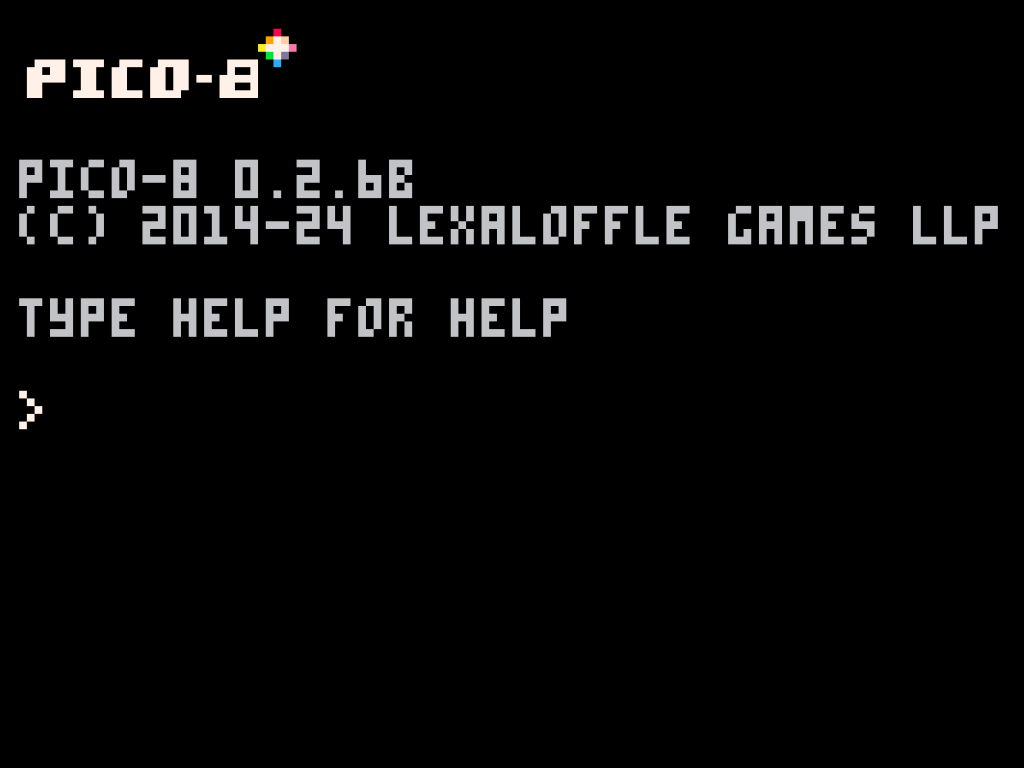
When you start the PICO-8, the first thing you’ll see is the terminal window. When you type the command “help” and press ENTER, you will get an overview of the most important terminal-commands. Here are the most important commands that you need to know:
| Command | Meaning |
| cd <dir> | Move to directory <dir>. |
| cd .. | Move back up to the parent directory. |
| ls | Get a list of all the contents of the current directory. |
| mkdir <dirname> | Create a new directory inside of the current directory. |
| load <filename> | Load a cartridge. |
| save <filename> | Save the currently loaded cartridge to file <filename>. |
| run (or ctrl + r) | Run the currently loaded cartridge. |
| help <topic> | Shows documentation for <topic>. Works with LUA commands. |
| splore | Opens the “Splore” game explorer. |
Navigating through the different development tools
When you press the ESCAPE key on your keyboard, you can switch between the terminal and PICO-8’s development tools, the first of which is the code editor.
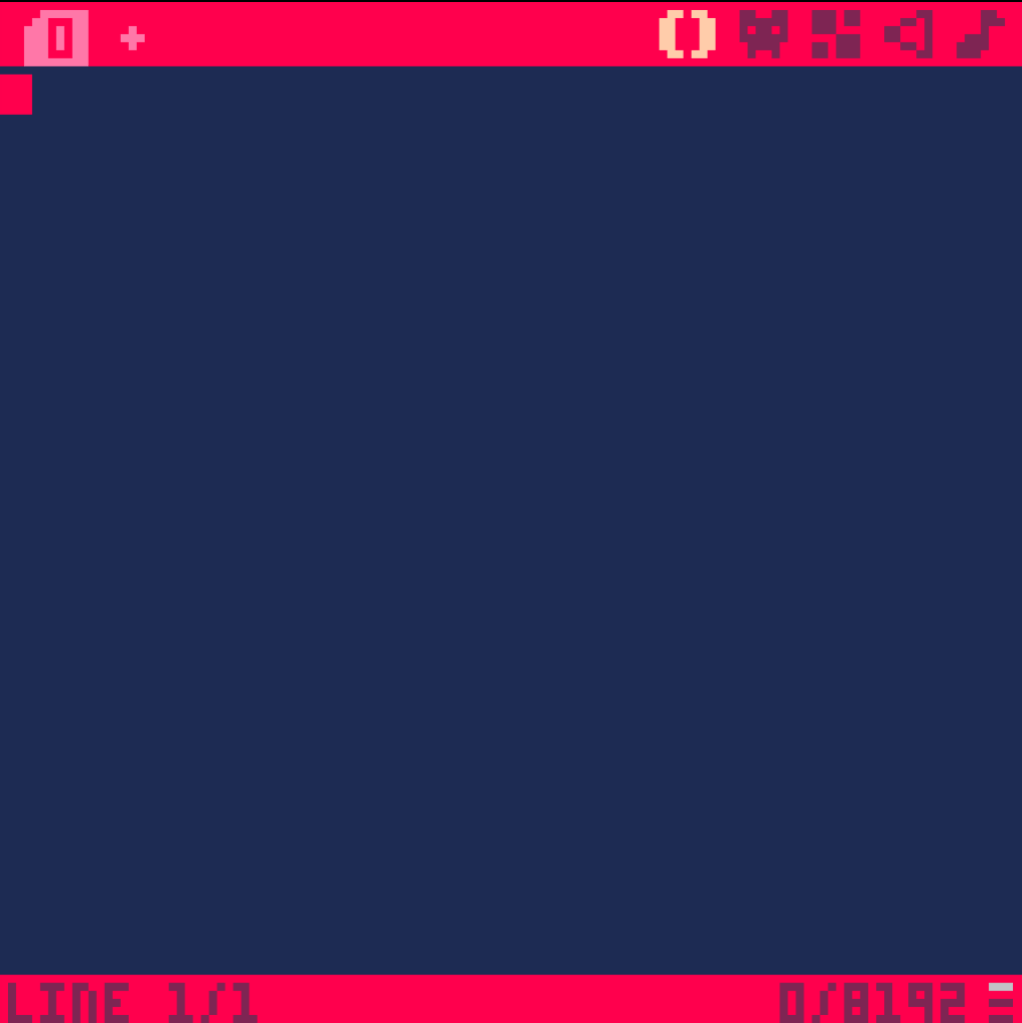
In this simple code editor you can write all of your games LUA code. When you click on one of the icons in the upper right corner, you can switch between all the different development tools. For a quick way of switching between the tools you can also press “ALT + RIGHT/LEFT ARROW KEY“.
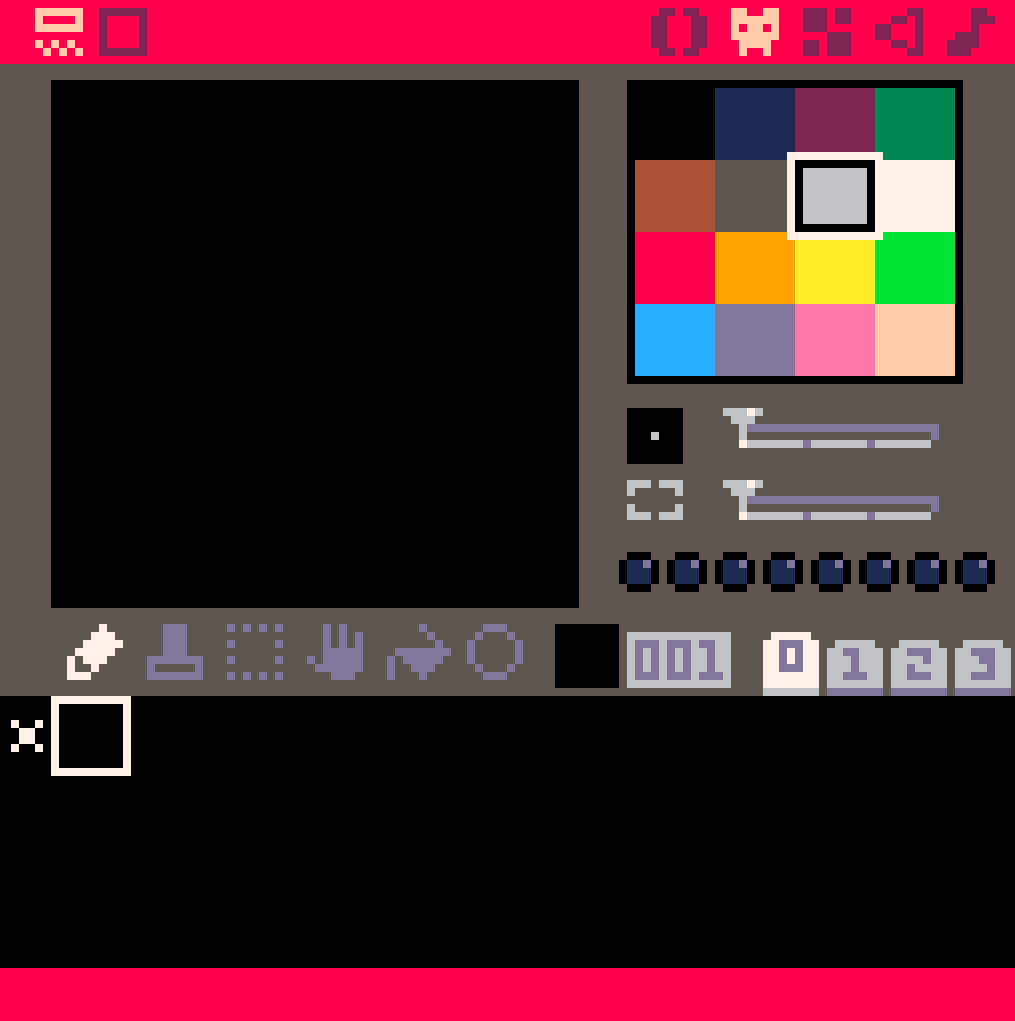
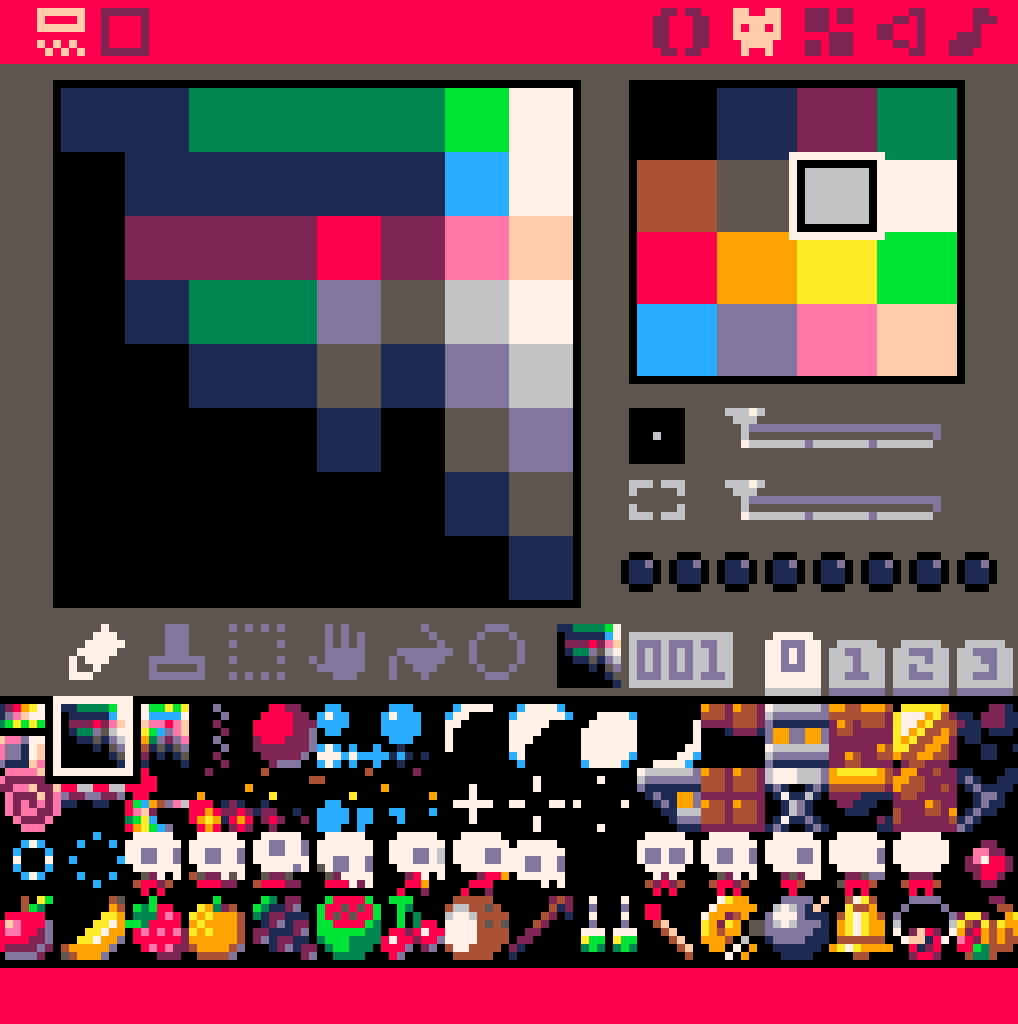
The second editor is the sprite editor. Here you can draw all of your game’s 2D sprites (graphics).
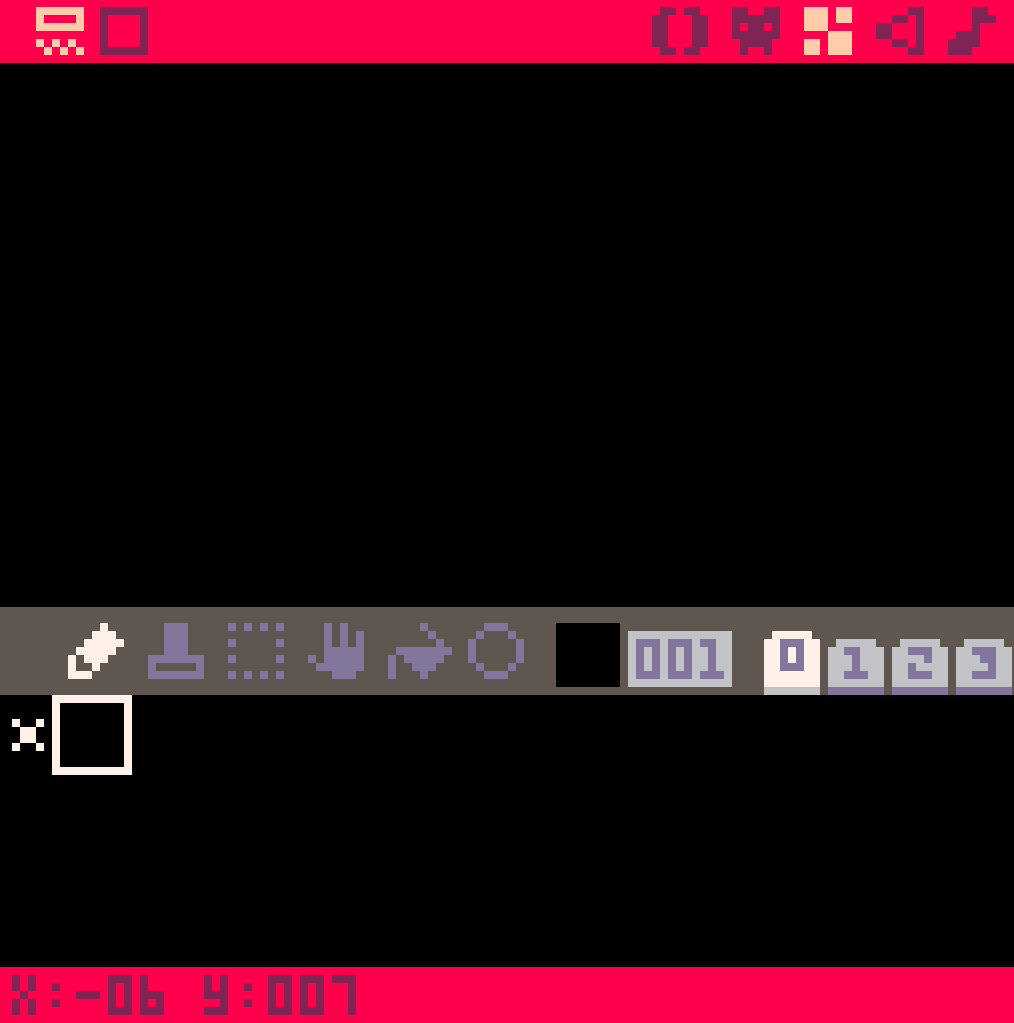
The third editor is the map editor with which you can build your game’s maps.
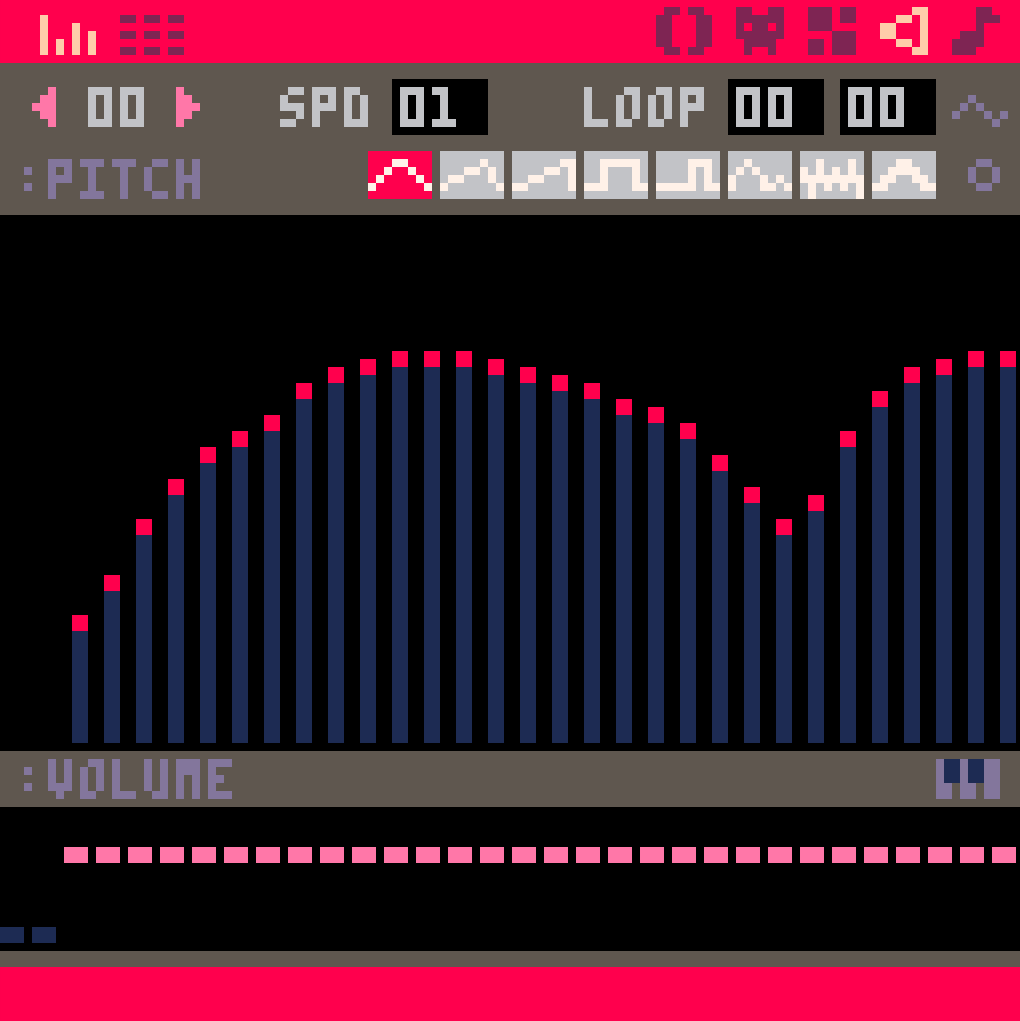
The fourth editor is the SFX editor. Here you can create all of your games sound-effects.
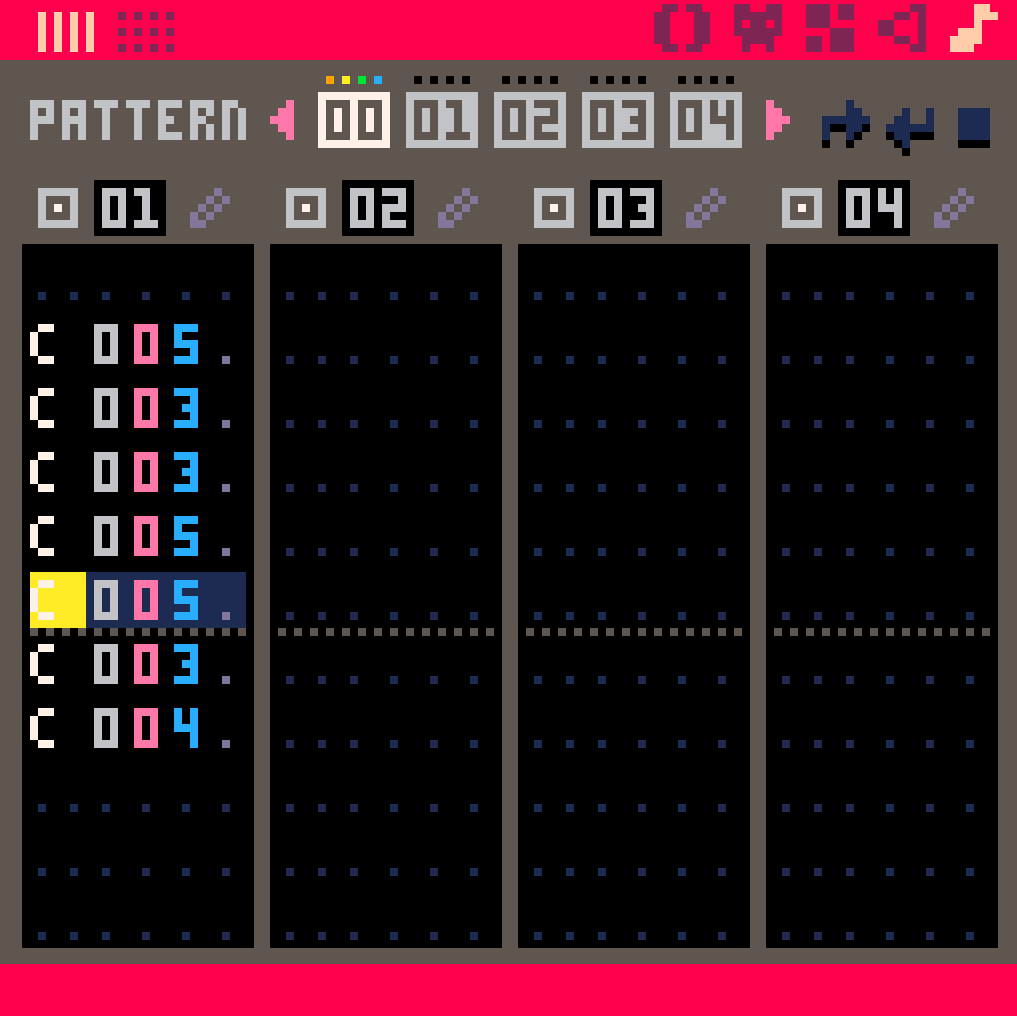
And finally there is the music editor.
I will explain all these tools in detail on a later page. Don’t worry, the PICO-8 development tools are very easy to use.
How to use the Splore game explorer
If you just want to play some games, type the command “splore” into the terminal. It will open up the Splore game explorer, where you can browse through all of the games that have been uploaded to the Lexaloffle bulletin board system (in short the BBS). On Splore there is thousands of games available for free. Some of these games are very inspiring and super fun to play. You can even set games as “favourites” so that you can always find them again.
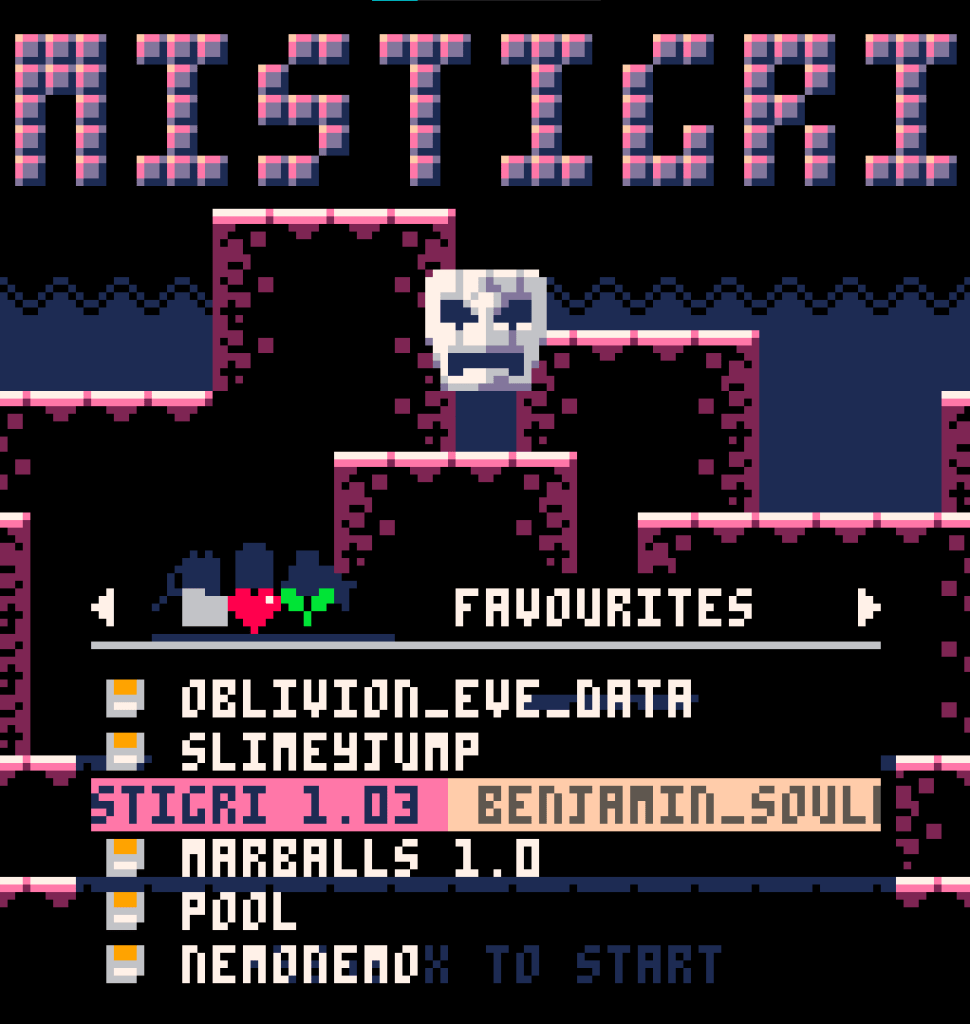
One cool thing about the PICO-8 is, that if you load a game as a cartridge (or on Splore), you can also look at the source code and even modify it. Just press the ESCAPE key, then select “Return to splore” and then press ESCAPE again to switch to the PICO-8 development environment.
If you want to learn more about the PICO-8 you can read more of my tutorials. If you don’t want to miss any of my future video-tutorials on PICO-8, dont forget to subscribe to my YouTube channel: Sormdev YouTube Channel
 Sormdev